How to use 跟我读
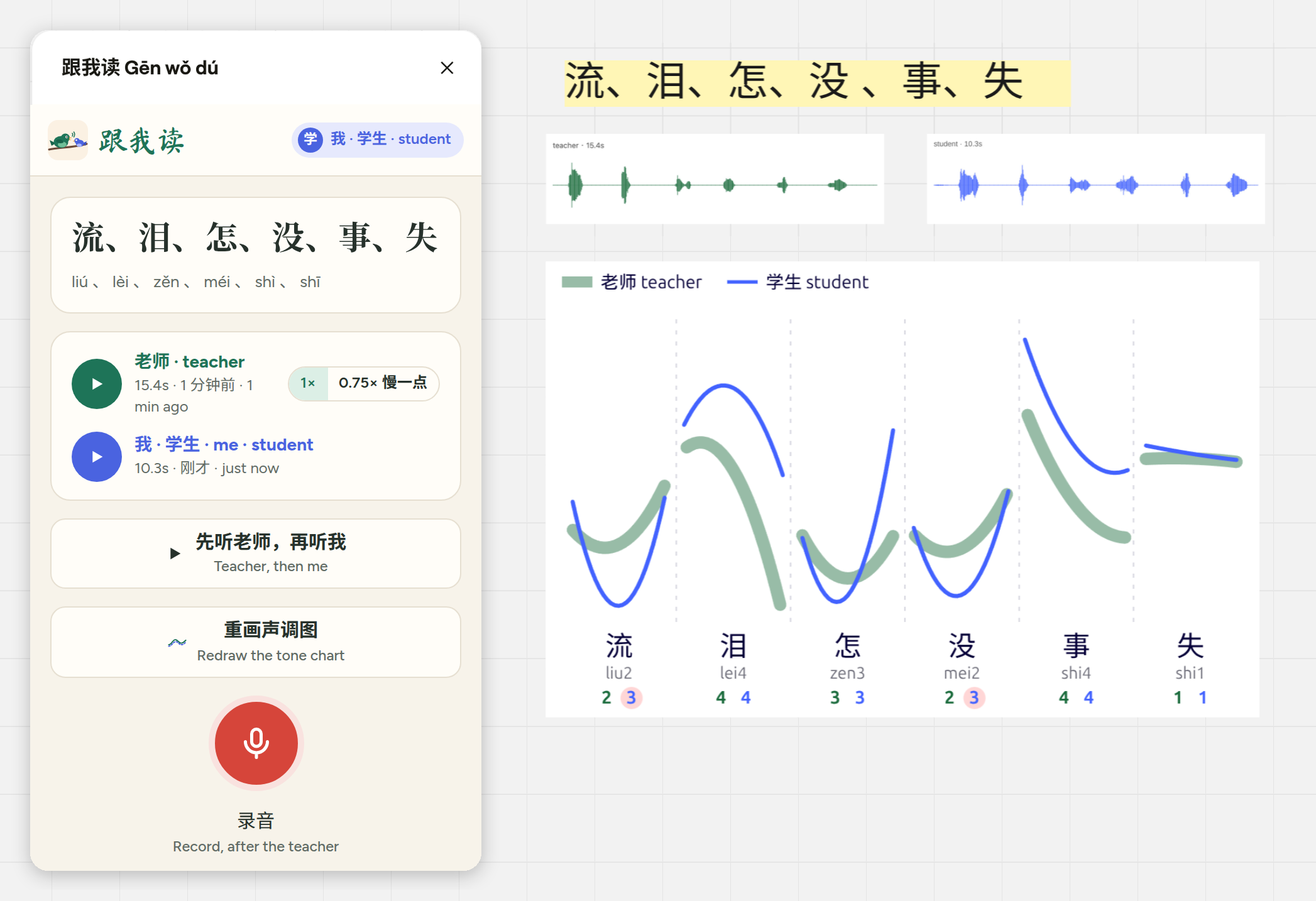
The teacher records a Chinese text on the student's Miro board. The student listens, reads after the teacher, and a chart shows how their tones follow the teacher's.
For teachers
1. Get 跟我读
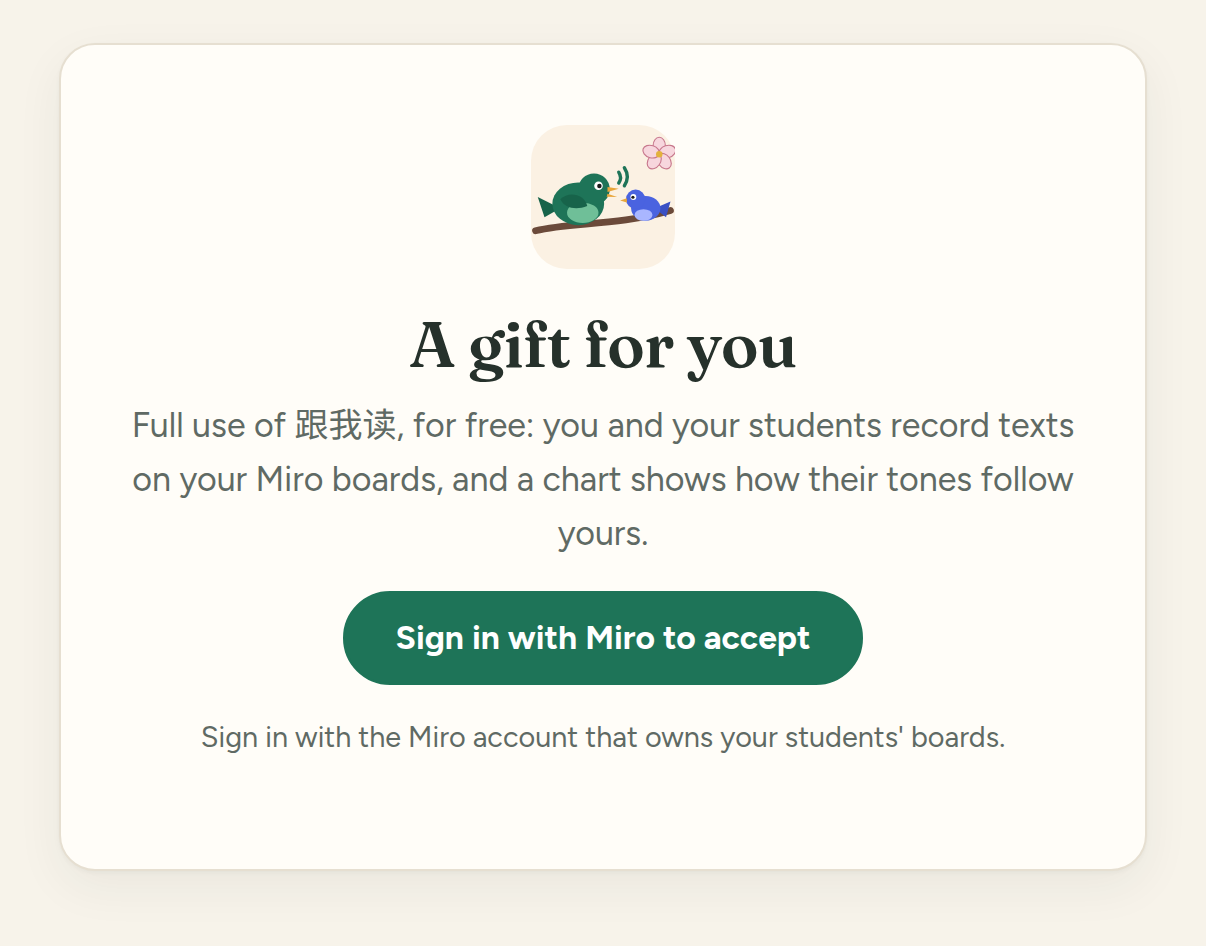
Open the gift link you were sent, and sign in with Miro. Use the Miro account that owns your students' boards.
2. Add it to Miro
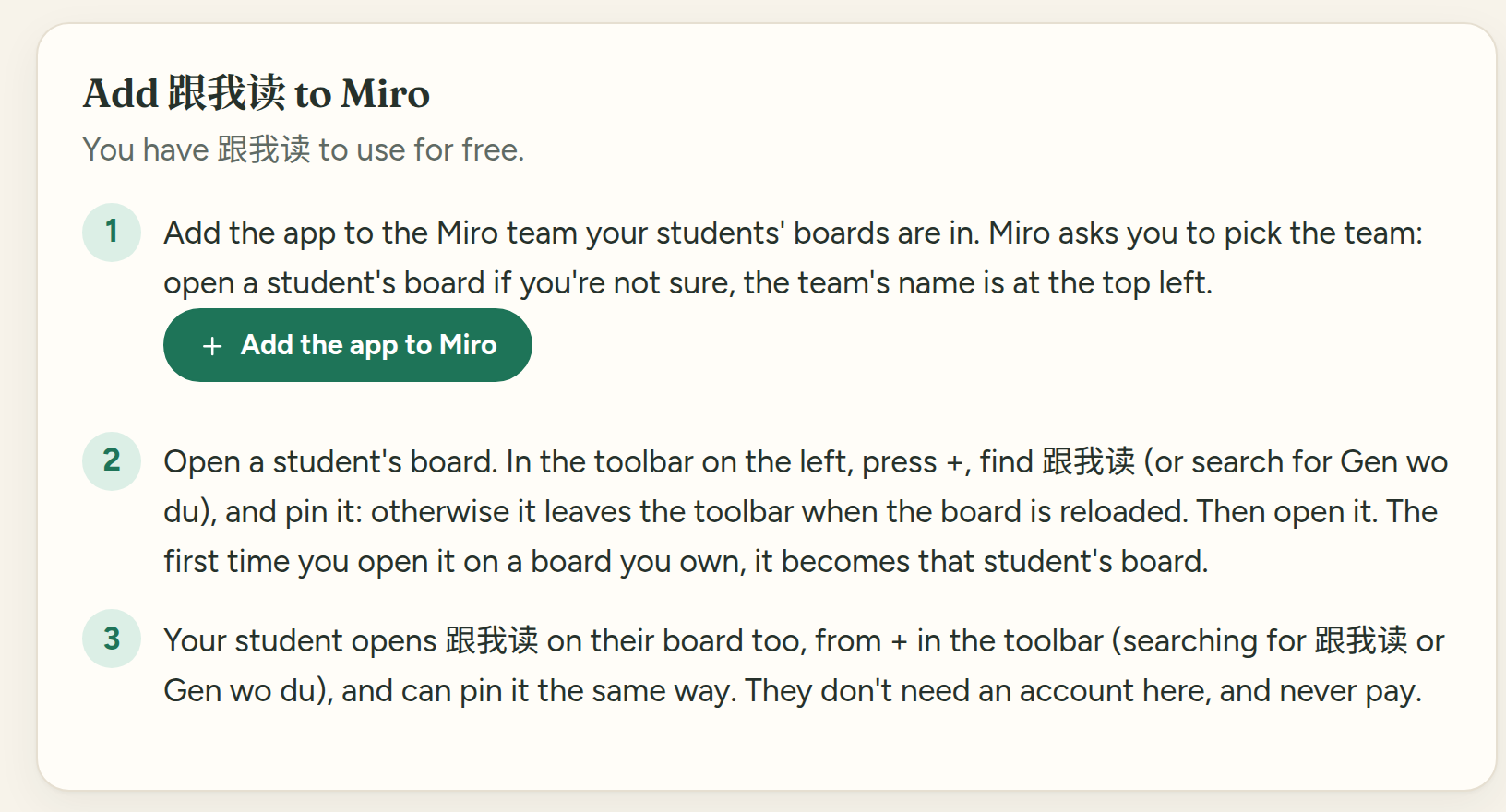
Your page on genwodu.app has a button to add the app to Miro. Miro asks which team: pick the one your students' boards are in. Its name is at the top left of a student's board.
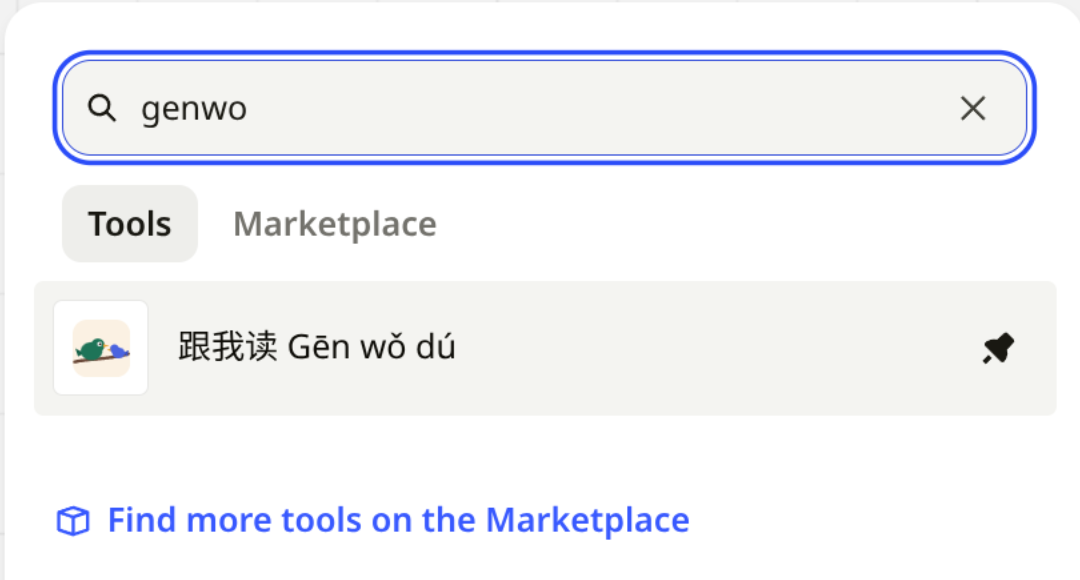
Then open a student's board. In the toolbar on the left, press +, and search for 跟我读 or Gen wo du. Pin it, so it stays in the toolbar.
3. Make it the student's board
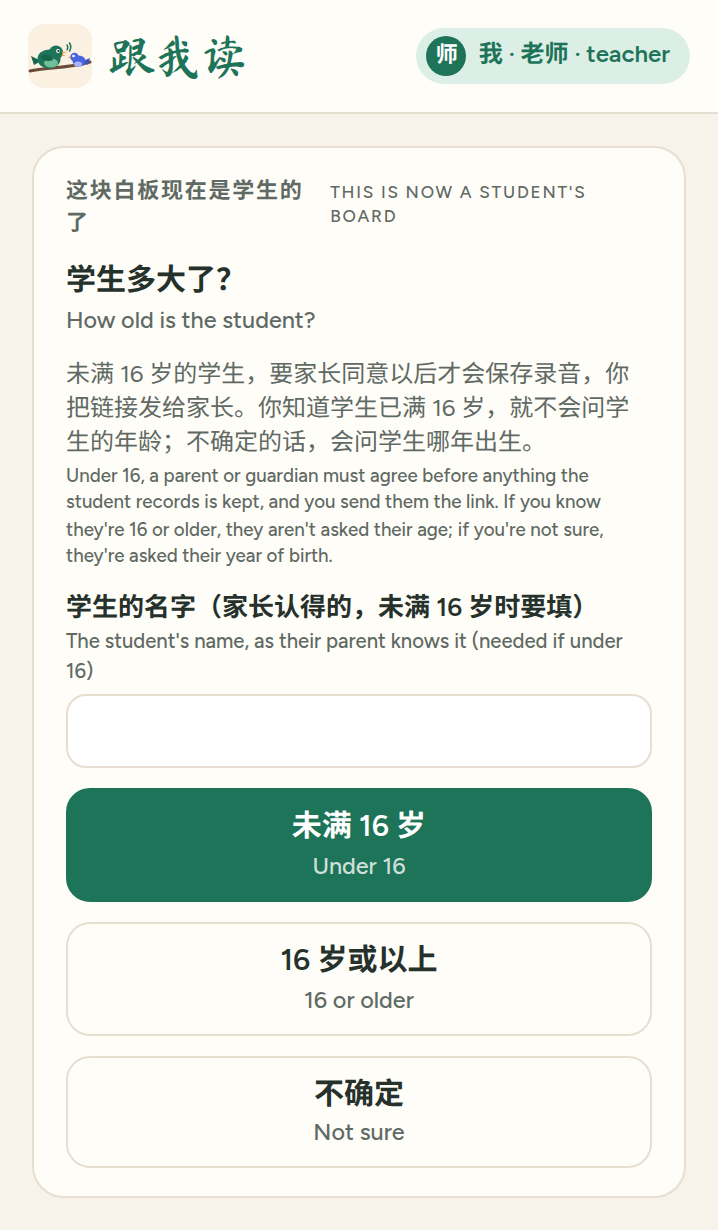
The first time you open 跟我读 on a board you own, it becomes that student's board, and you are its teacher. It asks one question: how old the student is.
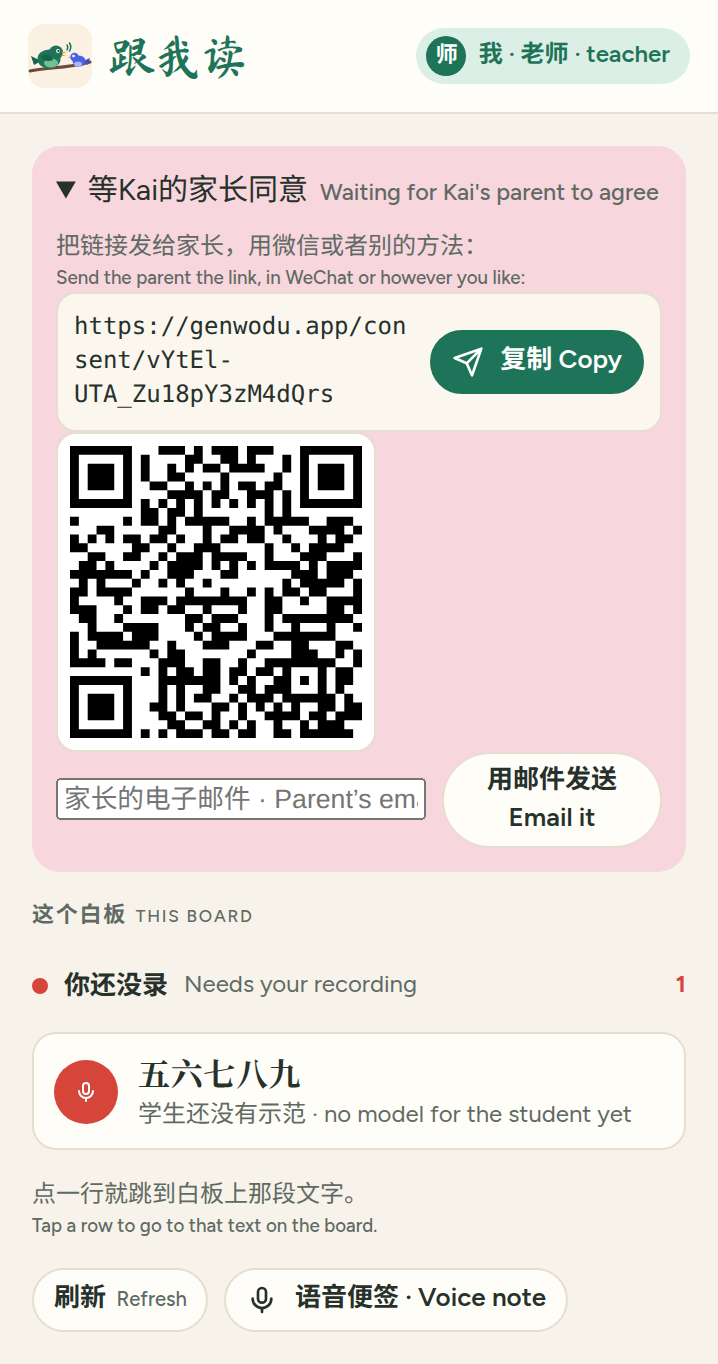
For a student under 16, also give their name as their parent knows it. 跟我读 then gives you a link to send the parent, in WeChat or by email. Nothing the student records is kept until the parent agrees, and you confirm on genwodu.app that you know them.
4. Record your reading
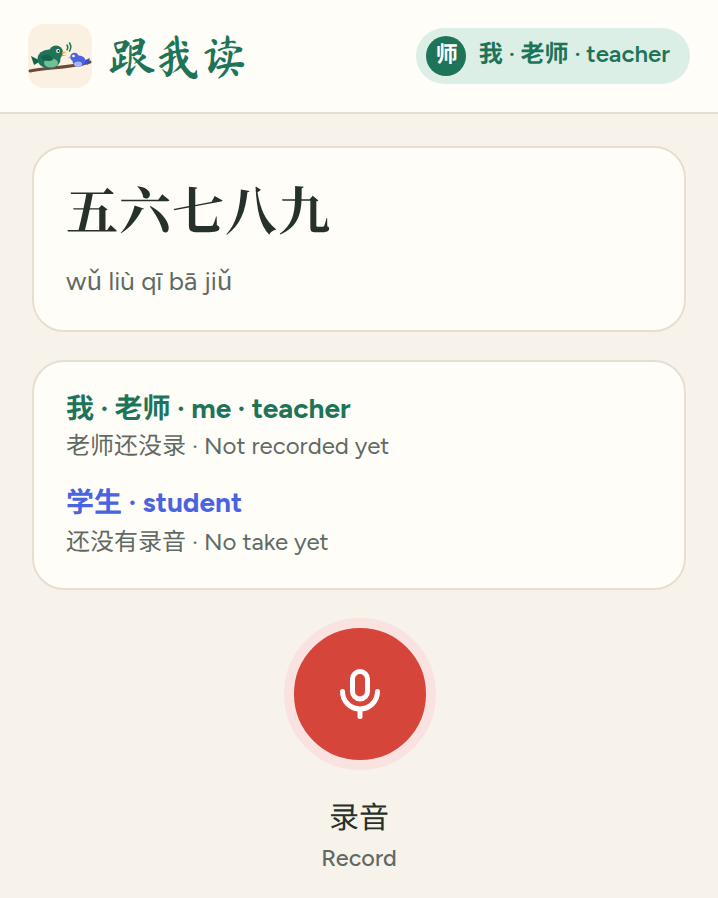
Write a Chinese text on the board with Miro's text tool, and click it. The panel shows the text with its pinyin.
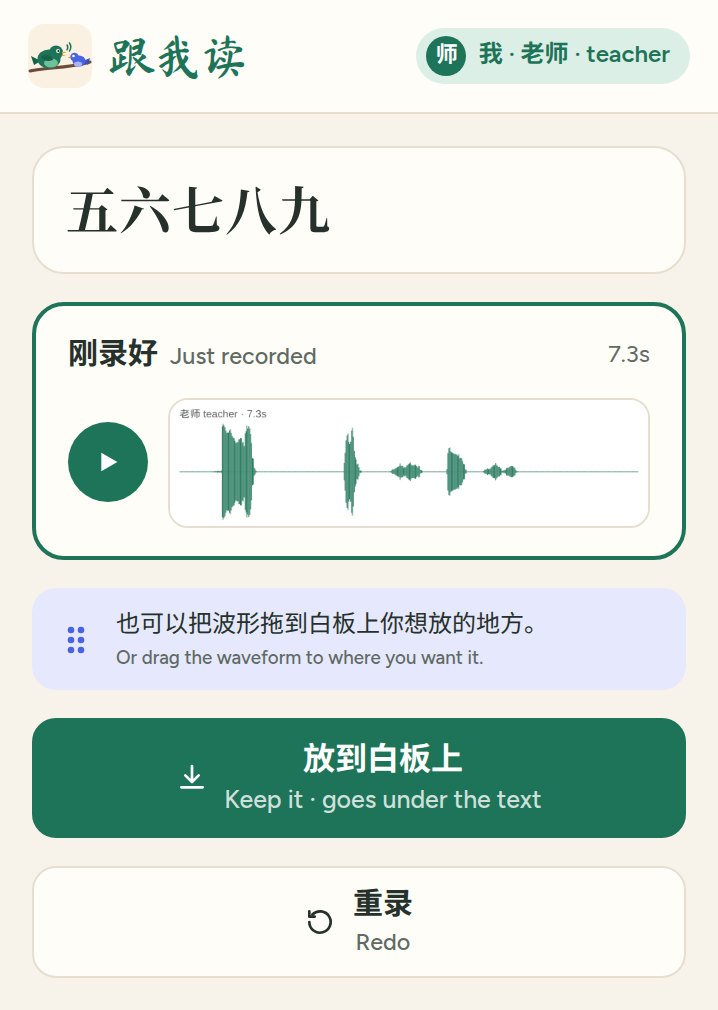
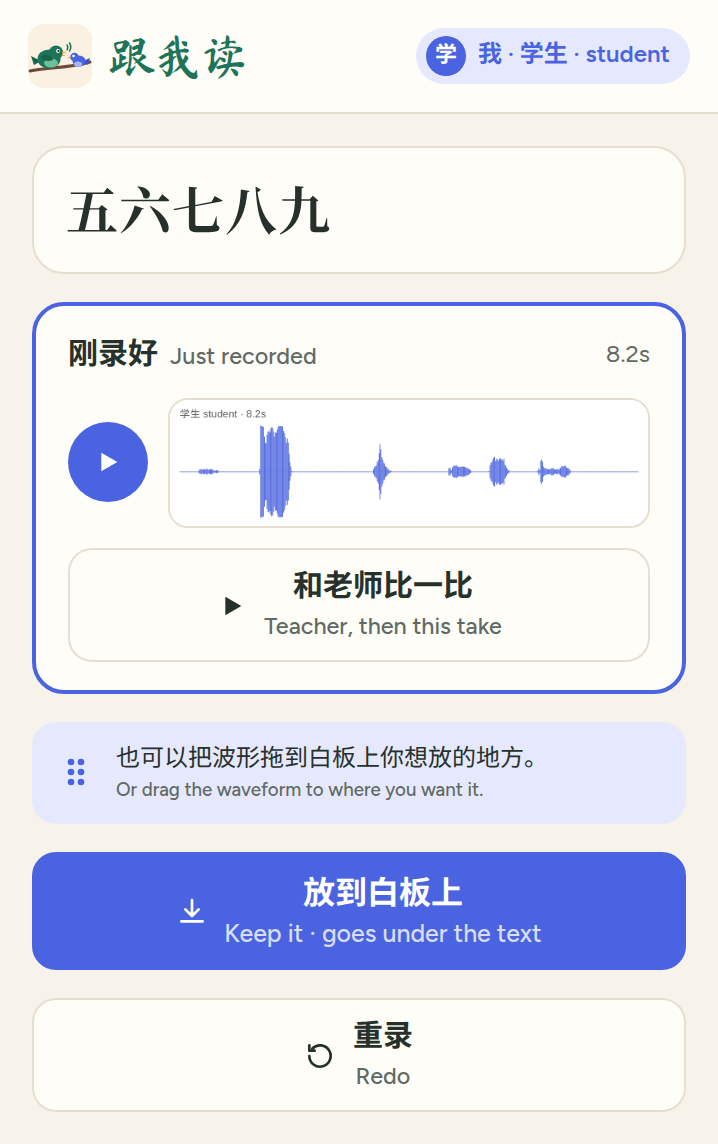
Press the red button, read the text, and press Stop. Listen to it, and press Keep it: the waveform goes under the text. Redo if you'd like another try.
5. See what your student did
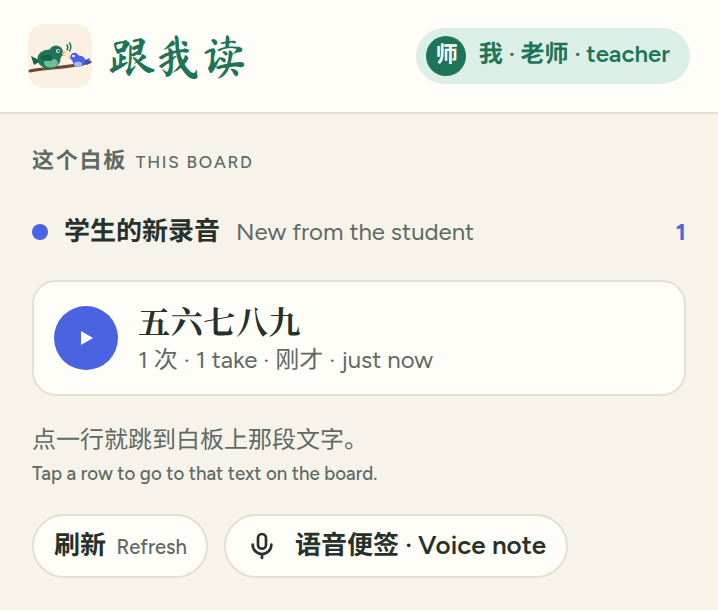
With nothing selected, the panel lists the texts on the board: new from the student, waiting for the student, and those that need your recording. Tap one to go to it on the board, play the takes, or hear yours and then the student's.
6. Use a recording on another board
To give another student the same text, copy your waveform and its text onto their board, then open 跟我读 there once. Until you do, that student can't play it.
For students
1. Open 跟我读
On your board, press + in the toolbar on the left, and search for 跟我读 or Gen wo du. Pin it, so it stays in the toolbar. You don't need an account on genwodu.app, and never pay.
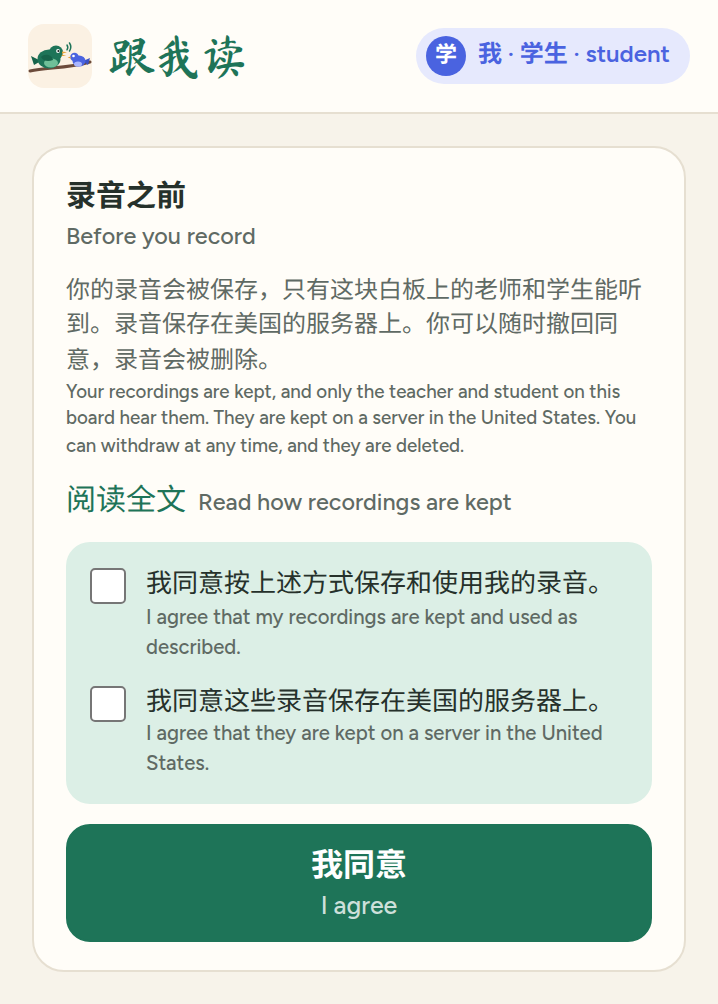
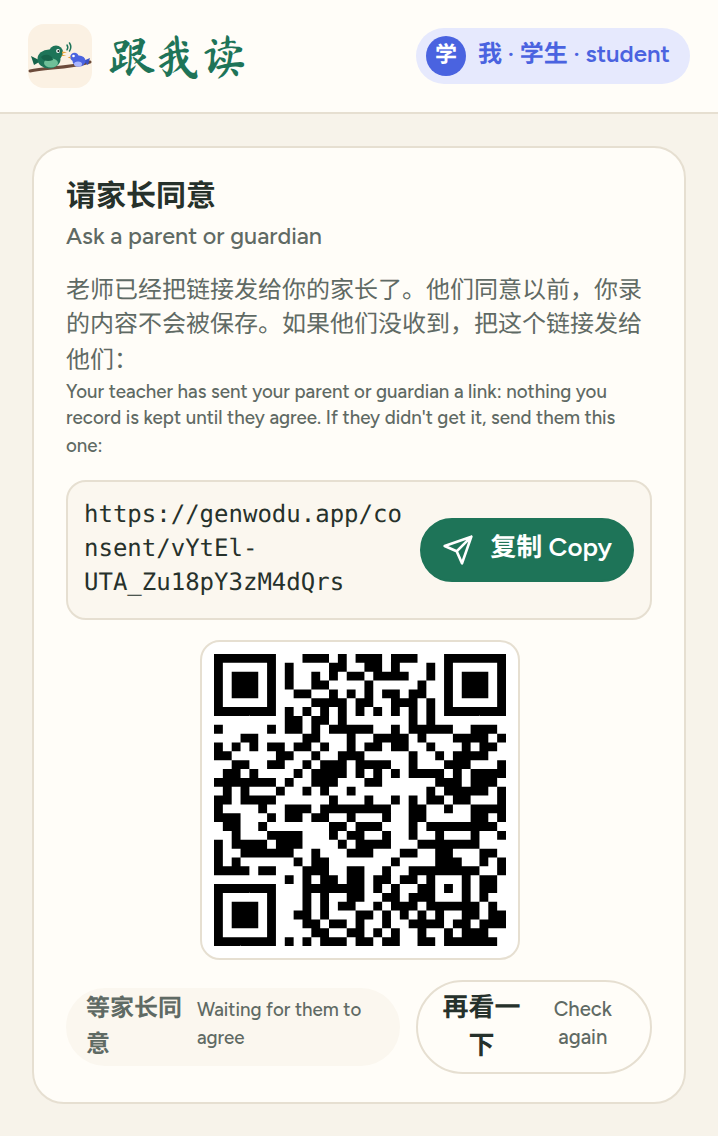
Before you record, read how 跟我读 keeps recordings and agree to it. If you're under 16, a parent or guardian agrees instead: your teacher sends them a link, and you can send it again from the panel.
2. Listen to your teacher
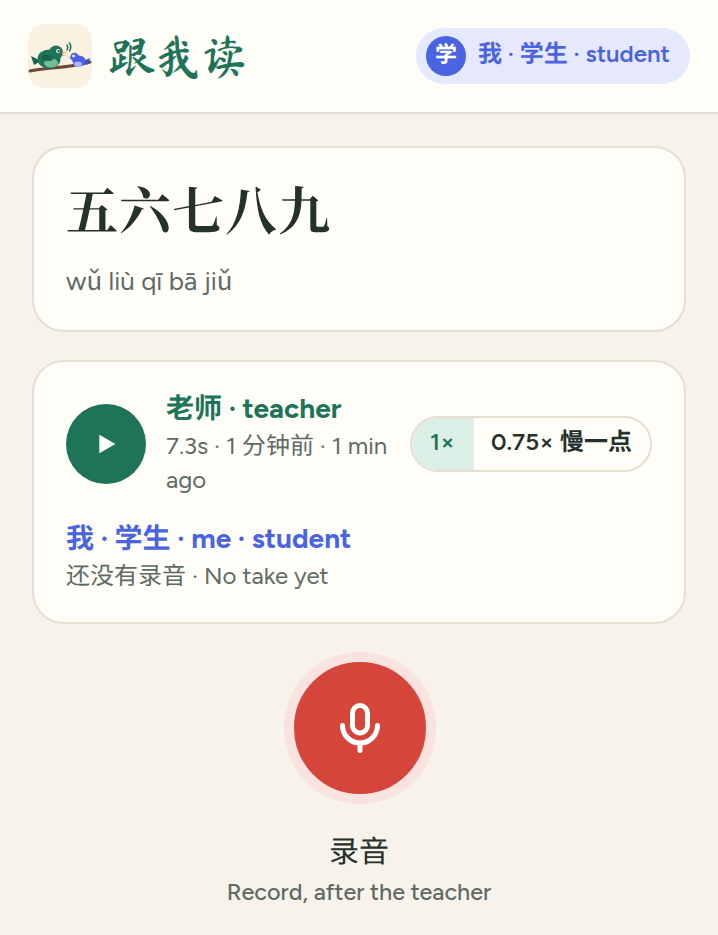
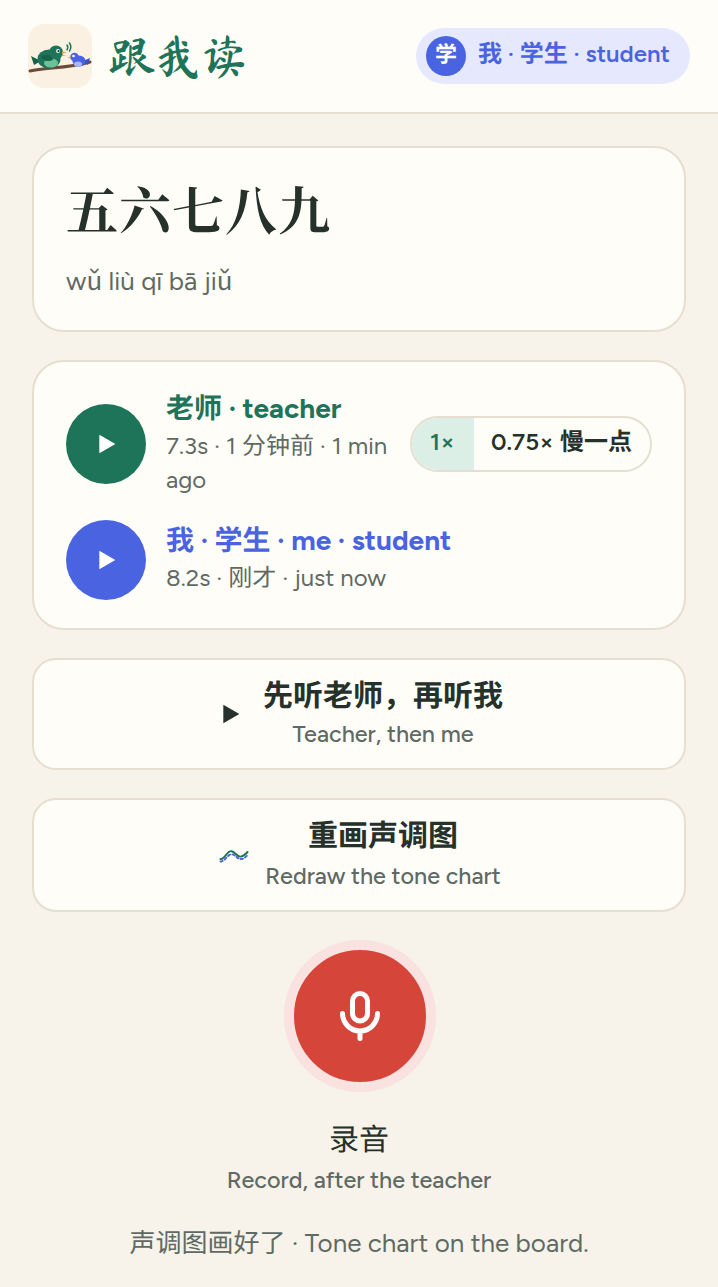
Click a text your teacher has recorded. Play the teacher's reading, at 0.75× if it's too fast.
3. Read after the teacher
Press the red button, read the text, and press Stop. Teacher, then this take plays both, one after the other. Keep it when you're happy with it.
When you keep it, the tone chart is drawn on the board under your recording.
Reading the tone chart
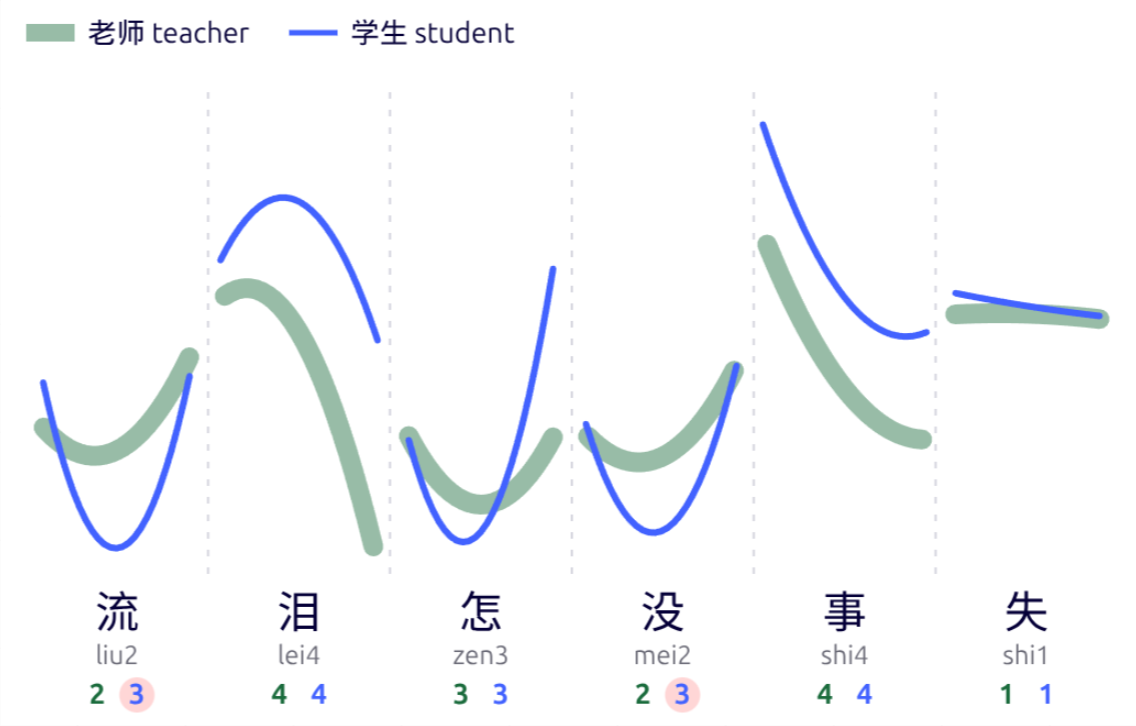
- The thick green line is the teacher's voice, and the thin blue line the student's, one column for each character. The closer the lines' shapes, the closer the tones.
- Under each character are its pinyin and two tone numbers: the tone the text calls for, in green, and the tone the student's voice sounds like, in blue. A pink circle marks a tone that differs.
- 半三 marks a half third tone: a third tone before another tone is said low, without rising at the end.
- To draw it again from the newest recordings, click the text and press Redraw the tone chart.
The chart is drawn by a computer listening, and it can be wrong. Trust your ears, and your teacher's, first.